Dealing with Multiple Versions of the AL Extension in VS Code
One difficulty in dealing with the AL programming language across Dynamics NAV 2018, Business Central 13/14 and now BC 15 is the AL extension. I’ve found that disabling and re-enabling them as you switch back and forth between projects gets to be difficult to manage and it has unpredictable results if you don’t restart VS Code. Its not possible to work on any different mix of AL projects at the same time.
Creating a self contained “portable” install of VS Code solves these issues.
I’m able to have version .12 (NAV 2018), current 3.0 (BC 14.x) and the new 4.0 (BC 15.x) extension in different VS Code installs and not get any of the bizzare behavior switching back and forth would produce.
The zip doesn’t support auto-update but this is a small inconvenience.
Instructions on creating a portable installer. code.visualstudio.com/docs/editor/portable
So in short, go to the download page. https://code.visualstudio.com/Download
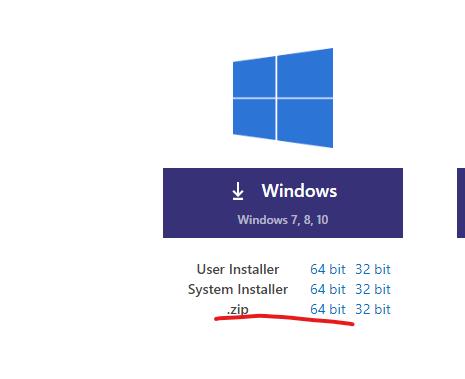 Download the zip
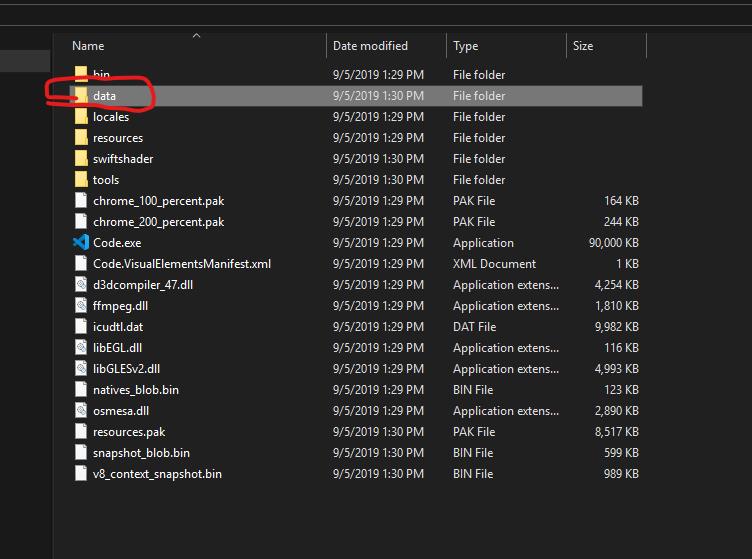 Extract the zip and add a “Data” folder.
Now install or copy your extensions!
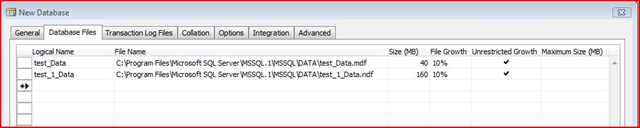 Not where I want my databases. I spent some time investigating and after watching file system and registry access on both server and client I wasn’t able to see it grab any relevant values from those spots. From what I can tell after watching packets between client and server with a packet sniffer, the NAV client is parsing the file location from the sp_helpfile stored procedure. The solution? NAV is essentially following the Master database. How to move system databases in SQL Server:
 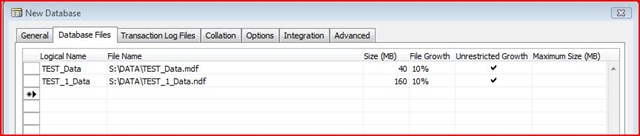 The only downside is that is also will want to put the Transaction Log Files in the same file path. Small price to pay. :)
 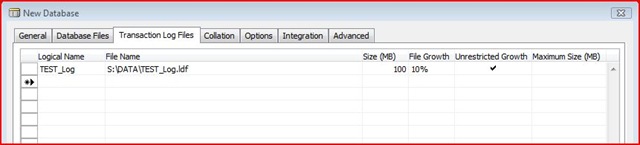 Does anyone else have a better way of doing this? It would at least be nice if NAV could somehow use the default file locations specified within SQL.
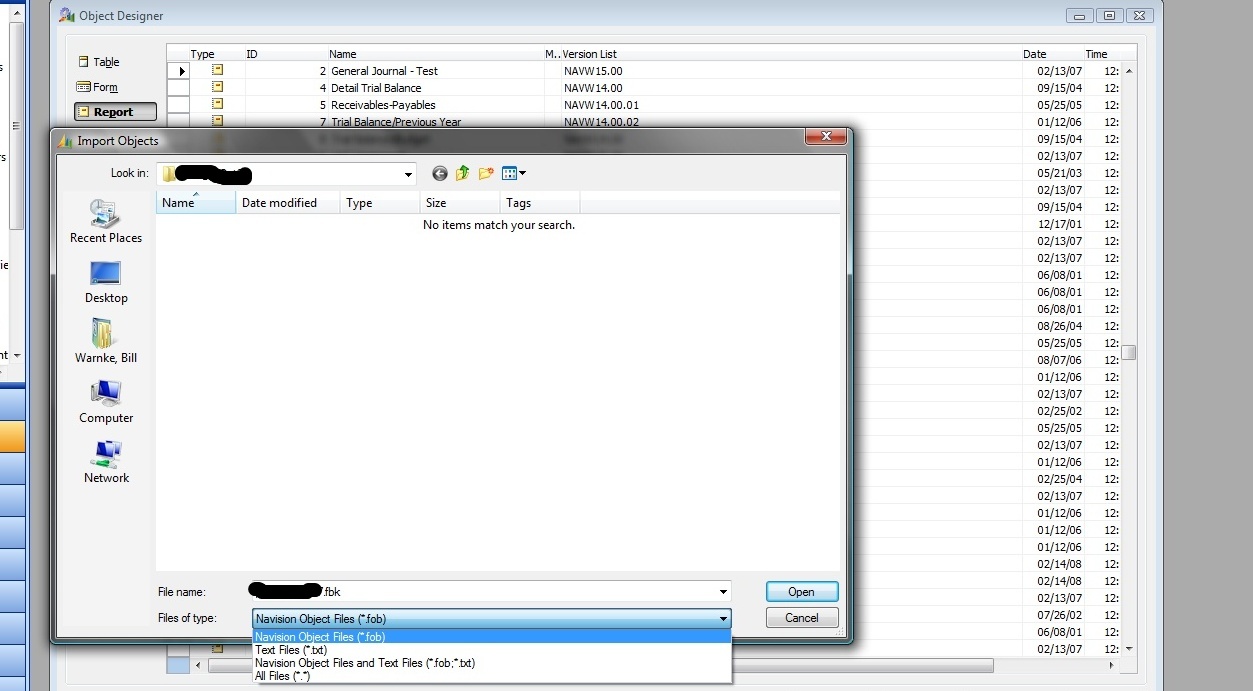 It’ll scan through the .fbk and present the Import Worksheet.